
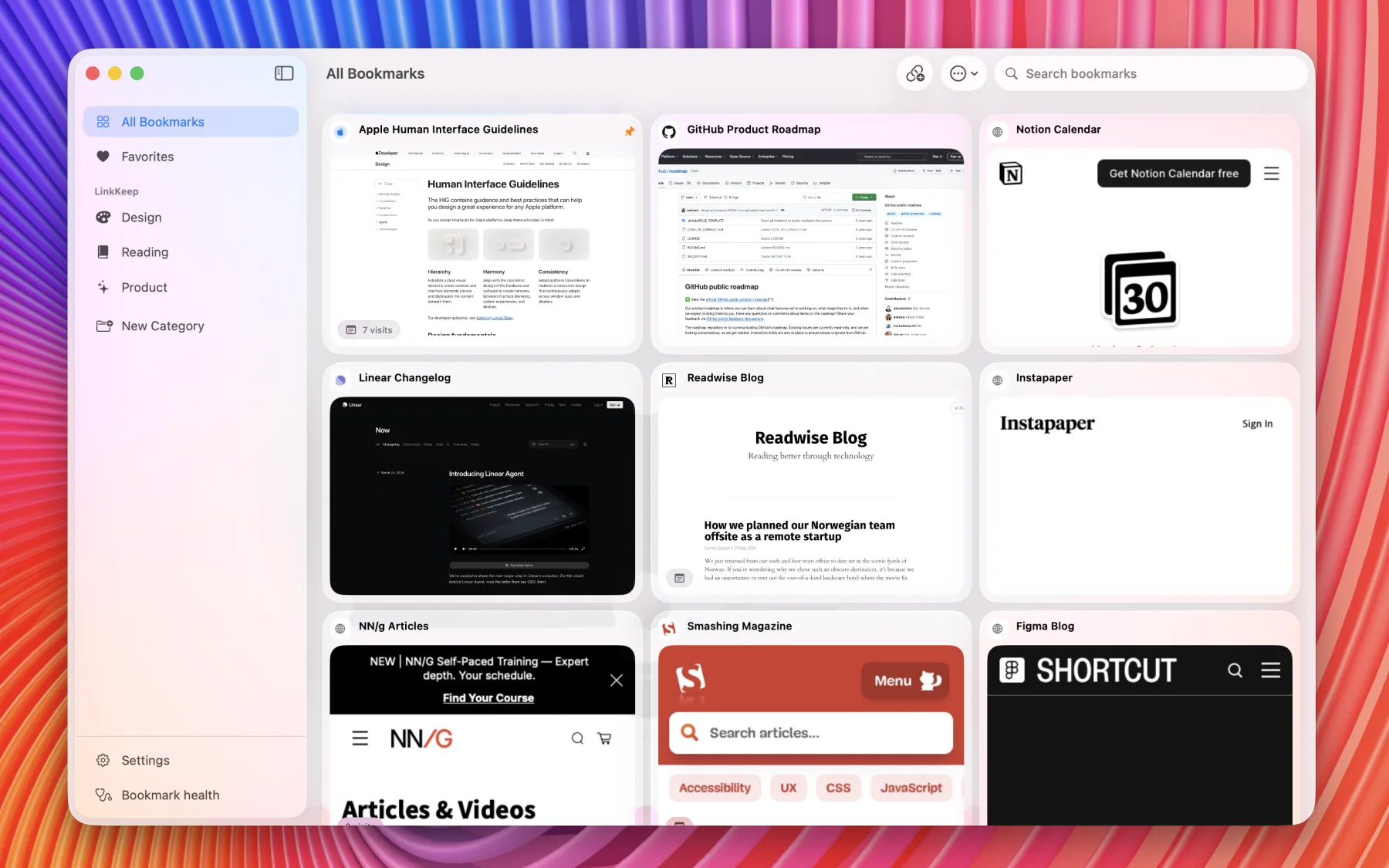
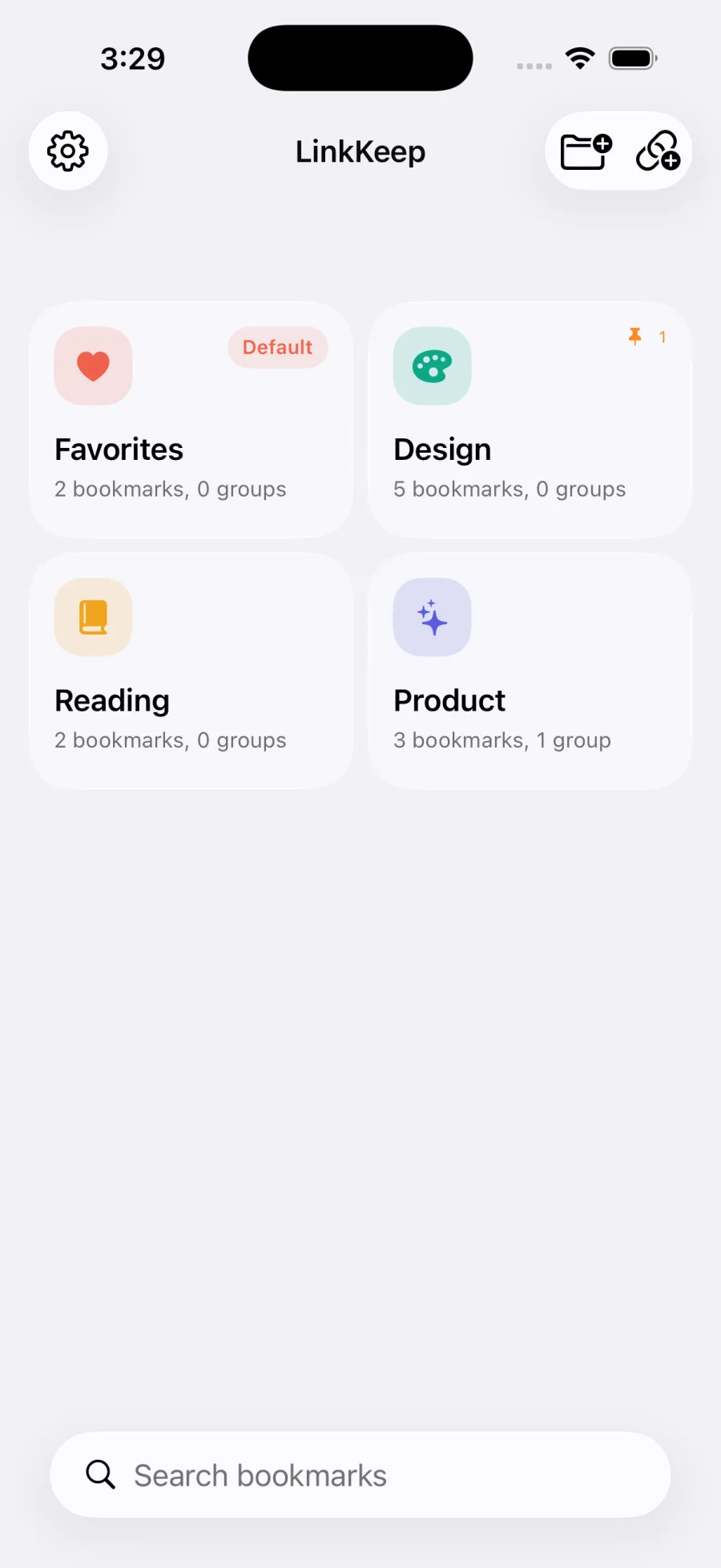
Mac 01
Made for iPhone, iPad, and Mac
Capture links on the go, organize them on a bigger canvas, and clean up your library from your desktop.
iPhone
Save links from Safari, the share sheet, or your clipboard the moment you find them.
iPad
Sort categories, browse folders, and review bookmarks with more room to think.
Mac
Manage your full library, preview links, and run bookmark health checks in a native desktop workspace.
Everything you need to manage bookmarks everywhere
Categories & Folders
Organize bookmarks into categories with custom icons and accent colors, then group them into folders.
Quick Capture
LinkKeep detects copied URLs and helps you save them fast, whether you're on iPhone, iPad, or Mac.
Share Sheet
Save bookmarks from Safari or any app directly to LinkKeep on iPhone and iPad.
Desktop Workspace
Browse categories, search your whole library, and open links in a native Mac window.
Bookmark Health
Automatically checks your bookmarks for dead URLs and flags them so your library stays clean.
iCloud Sync
Keep your categories, folders, reminders, and bookmark health data in sync across all your Apple devices.
One library, every Apple screen
See how LinkKeep scales from quick capture on iPhone to full-library workflows on Mac.
Mac 02
Open links in a native desktop preview
Mac 03
Create categories with icons and colors
Mac 04
Watch bookmark health checks live
Mac 05
Group related bookmarks into folders
Mac 06
Manage Pro and app settings
Mac 07
Review dead, alive, and unverifiable links
Mac 08
Capture a link with notes, reminders, and preview
Frequently Asked Questions
Yes. LinkKeep is free to download and includes essential features. Pro unlocks unlimited categories, bookmarks, iCloud Sync, reminders, and bookmark health checks.
With Pro, your bookmarks are stored in your personal iCloud account and synced automatically across all your iPhone, iPad, and Mac devices.
LinkKeep periodically pings your saved URLs in the background. If a bookmark returns a 404 or connection error, it is flagged as dead so you can remove or update it.
Yes. Pro users can export all categories, folders, and bookmarks as a JSON file and import them back at any time — useful for backups or device migrations.
Subscriptions are managed entirely by Apple. Open Settings → Apple ID → Subscriptions → LinkKeep → Cancel. No data is deleted when you cancel.